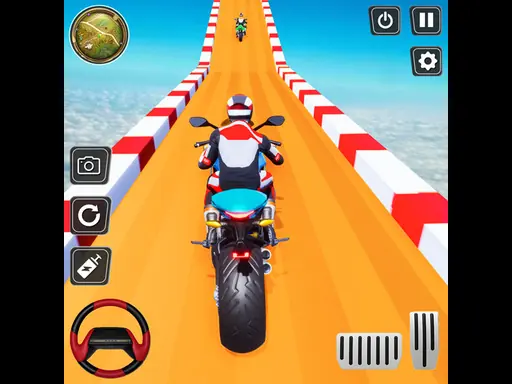
Junkyard Builder 3D guide
About Junkyard Builder 3D
Junkyard Builder 3D uses a simple racing loop to test spatial awareness, vehicle control, and the next decision. The practical way to play Junkyard Builder 3D is to follow the road objective, manage speed around corners, and position the vehicle precisely at each stop. Make one deliberate change in Junkyard Builder 3D: choose a repeatable braking or steering marker and correct from that reference.
A useful first run in Junkyard Builder 3D is about seeing the effect of spatial awareness before increasing the pace. Use each corner, obstacle, or lane change as a reference point and prioritize a controlled recovery over a desperate correction. After that, compare the next Junkyard Builder 3D result before adding another adjustment.
Junkyard Builder 3D gameplay profile
- Objective
- In Junkyard Builder 3D, build a custom offroad truck and take it from a dusty junkyard to 10 driving worlds.
- Play style
- Racing with 3d, car
- Core skills
- spatial awareness, vehicle control, line selection
- Pace
- Steady, player-controlled
- Input
- Desktop A D or Left Right arrows to steer S or Down arrow to brake W or Up arrow for extra acceleration Space for turbo Click garage parts to buy and install up
- Best fit
- Players who want speed, control, and repeatable runs
What stands out in Junkyard Builder 3D
- Earn XP by driving, collecting items and landing jumps.
- Unlock cosmetic flags, claim a free reward-wheel spin every ten minutes and use Play Again to chase your next record.