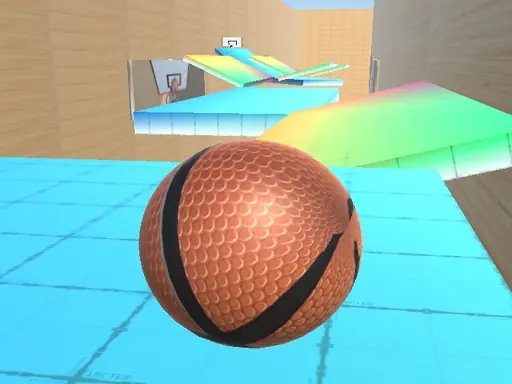
Geometry Vibes 3D guide
About Geometry Vibes 3D
Geometry Vibes 3D starts with a clear arcade goal and measures both score chasing and consistent control. When Geometry Vibes 3D begins, confirm both control sets, react to the shared objective, and score before the other player controls the key space. Avoid changing several inputs together in Geometry Vibes 3D; protect the run when the next recovery point is not visible.
A useful first run in Geometry Vibes 3D is about seeing the effect of score chasing before increasing the pace. Once the scoring rule is clear, protect the current run until the next bonus, opening, or recovery point is visible. Repeat the same setup in Geometry Vibes 3D once before deciding the correction failed.
Geometry Vibes 3D gameplay profile
- Objective
- With fully reimagined levels and stunning new visuals, this version elevates your reflexes and rhythm-based skills to new dimensions.
- Play style
- Arcade
- Core skills
- score chasing
- Pace
- Steady, player-controlled
- Input
- Mouse click or tap to playPlayer 1 W Left Mouse Click or Spacebar Player 2 in 2 Player Mode Up Arrow Key Mobile Devices Tap anywhere on the screen to jump ndash
- Best fit
- Players looking for an arcade browser session