Geometry Vibes 3D 指南
關於 Geometry Vibes 3D
Geometry Vibes 3D 以清晰的 arcade 目標開始,並測量分數追逐和一致控制。當 Geometry Vibes 3D 開始時,確認兩個控制套件,反應共享目標,並在另一名玩家控制鍵空間之前獲得分數。避免在 Geometry Vibes 3D 中更改多個輸入;在下一個恢復點不可見時保護運行。
在Geometry Vibes 3D中有用的第一輪是看到在速度上升之前追逐得分的效果。一旦得分規則明確,保護當前運行,直到下一個獎金、開幕或恢復點是可見的。重複相同的設置在 Geometry Vibes 3D 一次,決定修正失敗。
Geometry Vibes 3D gameplay profile
- 目標
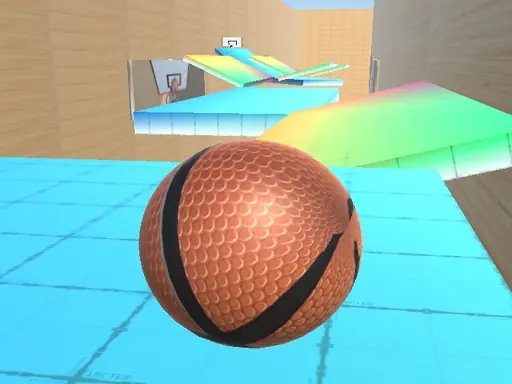
- With fully reimagined levels and stunning new visuals, this version elevates your reflexes and rhythm-based skills to new dimensions.
- 玩風格
- Arcade
- 核心技能
- score chasing
- 和平
- Steady, player-controlled
- 入口
- Mouse click or tap to playPlayer 1 W Left Mouse Click or Spacebar Player 2 in 2 Player Mode Up Arrow Key Mobile Devices Tap anywhere on the screen to jump ndash
- 最佳合適
- Players looking for an arcade browser session